Top Smart Office Solutions for Global Buyers
Global buyers are rethinking the modern workplace. Desks, meeting rooms, sensors, and software must now work together. The best smart office solutions create measurable improvements in comfort, productivity, energy use, and security. They should also support employees who move between home, regional offices, and shared spaces.
Philip Ross, workplace strategist and CEO of UnGroup, captures this change clearly: “The office is no longer a place; it is an experience.” His observation matters for international purchasing teams. A smart office is not simply a room filled with connected devices. It is a practical ecosystem, built around human behavior and business goals. Occupancy sensors can reveal unused rooms. Digital booking tools can reduce daily friction. Automated lighting can respond to daylight and presence. However, these features require careful integration, transparent data policies, and dependable maintenance.
Global buyers face additional challenges. Different markets have different building systems, accessibility expectations, procurement rules, and workplace cultures. A solution that performs well in Singapore may need adjustment in Germany, Brazil, or Canada. This guide examines leading technologies, supplier capabilities, cybersecurity considerations, and long-term operating costs. It also considers installation realities, including older buildings and inconsistent network coverage.
The choices are not always perfect. Some advanced platforms create complexity instead of clarity. Cheaper systems may become expensive after support ends. Buyers should test real workflows before approving large deployments. A quiet, reliable meeting room may deliver more value than an impressive dashboard. Smart decisions begin with evidence, not excitement.
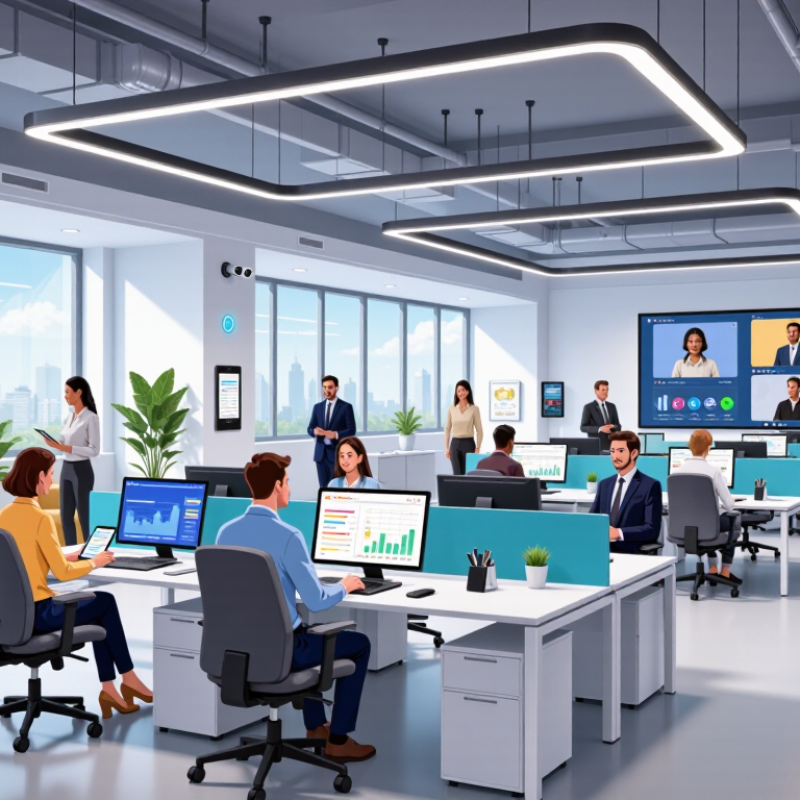
Smart Office Solutions: Definition, Scope, and Key Benefits
Smart office solutions combine connected sensors, workplace software, automation, and secure data systems. They help offices adjust lighting, temperature, room access, and desk availability in real time. A sensor notices an empty meeting room. The system then reduces lighting and cooling.
The scope is broader than hardware. It includes occupancy analytics, indoor air monitoring, energy management, visitor workflows, and hybrid-work support. The International Energy Agency reports that buildings account for about 30% of global final energy consumption and 26% of energy-related emissions. This makes efficient office operations an important business and environmental issue. In practice, a well-designed system can reveal unused floor space, reduce unnecessary energy use, and improve maintenance planning.
The benefits are measurable, but not automatic. Deloitte’s 2024 Global Human Capital Trends research highlights the growing need to redesign work around human capability and technology. Better data can support that shift. Employees may find a quiet room faster, while facility teams can respond to heat or air-quality problems before complaints increase. However, constant monitoring can feel intrusive. That risk is real. Clear consent, limited data collection, and strong access controls are essential. Poorly configured automation may also create cold rooms, false occupancy alerts, or confusing booking rules. The lesson is uncomfortable: smart technology cannot repair weak workplace policies. Human review still matters.
Top Smart Office Solutions for Global Buyers
Typical energy-saving potential from smart office technologies
Smart office solutions combine connected sensors, automated lighting, intelligent HVAC controls, plug-load management, and occupancy-based ventilation. The chart shows indicative midpoint savings based on commonly reported ranges from building-efficiency studies: lighting controls typically achieve 20–40%, HVAC optimization 10–30%, plug-load control 5–15%, and occupancy-based ventilation 10–20%.
Essential Technologies Behind Modern Smart Offices
Modern smart offices rely on connected systems, not decorative screens.
The core stack includes occupancy sensors, indoor-air monitors, smart lighting, HVAC controls, secure networks, and workplace analytics. According to the International Energy Agency’s Buildings report, buildings consume about 30% of global final energy. They also create roughly 26% of energy-related emissions. That makes automated energy management a business issue, not merely a technology upgrade. In practice, a meeting room should dim lights and adjust airflow when occupancy changes.
Reliable deployment starts with clean data.
Sensors need calibration, clear ownership, and fallback controls. The U.S. Department of Energy reports that buildings account for about 40% of total U.S. energy use. This figure shows why measured efficiency deserves board-level attention. Yet dashboards can mislead. A vacant room may appear available while maintenance blocks access. Human checks remain necessary. Some assumptions will be wrong. Field implementations often expose inconsistent floor maps, weak Wi-Fi coverage, and unclear privacy notices.
For global buyers, interoperability reduces costly lock-in.
Open protocols, documented APIs, role-based access, encryption, and audit logs support safer integration. Data minimization and regional storage choices help teams meet applicable privacy requirements. Network segmentation should separate building controls from ordinary office devices. Small pilots reveal problems early. Test one floor before scaling. People still matter. Facilities teams need training, manual overrides, and transparent explanations when automation changes comfort or access. Otherwise, a technically elegant office can become difficult to trust.
How Global Buyers Can Evaluate Smart Office Products
Top Smart Office Solutions for Global Buyers
How Global Buyers Can Evaluate Smart Office Products
Global buyers should evaluate smart office products through measurable workplace needs, not attractive demonstrations. A meeting-room sensor may look impressive, yet poor Wi-Fi coverage can make it unreliable. Check occupancy accuracy, response time, installation requirements, and compatibility with existing systems. Ask suppliers for test reports, security documentation, warranty terms, and software update policies.
Data protection deserves careful attention. Confirm where workplace data is stored, who can access it, and how long it remains available. Review encryption, user permissions, audit logs, and deletion procedures. Requirements differ between markets, so local legal advice may be necessary. Accessibility also matters. Employees should not struggle with touchscreens, alerts, or automated doors.
Run a small pilot first.
Measure real performance for several weeks. Record false alerts, energy savings, maintenance calls, and employee feedback. I have seen projects favor advanced features while ignoring simple training needs. That mistake is costly. Product scores should include total ownership costs, spare parts, technical support, and integration work. Be cautious with promised savings. Seasonal usage, building design, and staff habits can change the results. A transparent supplier should explain limitations, not hide them.
Regional Standards, Compatibility, and Data Security Considerations
Top Smart Office Solutions for Global Buyers
Regional standards shape every smart office deployment.
A lighting controller may support 230-volt power in one market, but require different certification elsewhere. Buyers should verify electrical safety, radio spectrum, cybersecurity, and accessibility requirements before procurement. Compatibility also depends on protocols, connector types, cloud regions, and language settings. A device that works perfectly in a pilot room may fail after integration with local building systems. Small details matter.
Data protection needs equal attention.
The IBM Cost of a Data Breach Report 2024 places the global average breach cost at 4.88 million US dollars.
The Verizon 2024 Data Breach Investigations Report also states that human involvement appeared in 68% of breaches.
Smart offices create more entry points, including occupancy sensors, badge readers, cameras, and mobile applications. Buyers should demand encryption in transit and at rest, role-based access, signed firmware, audit logs, and a documented update policy. Data residency may also affect design under rules such as GDPR, LGPD, and PIPL.
Practical testing should happen region by region.
Check local certification marks, voltage tolerance, wireless frequencies, emergency controls, and offline operation. Ask where video and access data are stored. Ask who can retrieve it.
No checklist is perfect. Teams sometimes overlook a forgotten administrator account or an unsupported legacy protocol. A short pilot with real network traffic can expose these weaknesses before a costly rollout.
Conversely, excessive restrictions may reduce usability. Security must protect the workplace without turning a simple meeting-room booking into a technical obstacle.
Procurement, Deployment, and Long-Term Office Management
Global buyers need smart office solutions that remain practical after installation. Procurement should begin with clear workplace goals, not impressive feature lists. Define room capacity, booking patterns, energy targets, accessibility needs, and support expectations. A detailed requirements sheet helps compare suppliers fairly. It should also cover data protection, system compatibility, warranty terms, and replacement timelines.
Deployment works best through a controlled pilot. Test meeting-room sensors, access controls, lighting, and collaboration displays on one floor. Measure booking accuracy, network stability, employee adoption, and maintenance requests. Keep records. Local technicians should receive configuration guides and safety procedures. Staff need short training sessions, especially for room reservations and visitor management. Our first rollout was not perfect. We underestimated wireless interference near several meeting rooms, causing delayed status updates.
Long-term office management requires more than remote monitoring. Review system performance monthly and inspect high-use equipment quarterly. Track energy consumption, repair frequency, software updates, and user complaints. Set clear escalation rules for outages and privacy concerns. Independent audits can verify whether controls still match company policy and local requirements. Avoid collecting unnecessary employee data. A simple dashboard may be less impressive, but it is often easier to manage. Budgets also need a reserve for batteries, replacement devices, and changing workplace needs. Flexible contracts matter when office layouts change. Good planning reduces disruption, although no deployment remains maintenance-free.